Skip to content
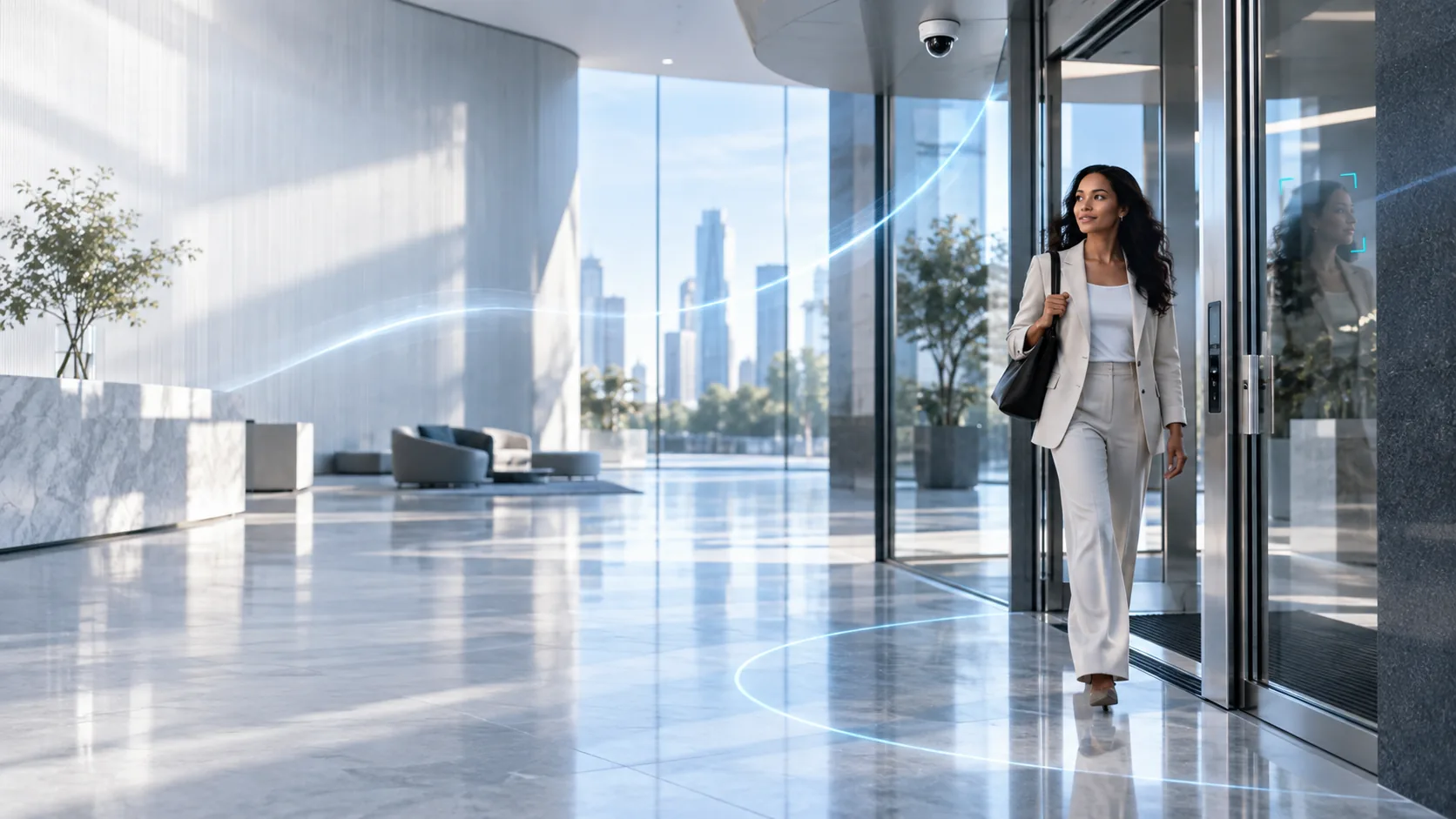
A person walking through the glass entrance of a bright office lobby, watched by a ceiling-mounted dome camera

Face identification for physical access

Access should recognise people,not credentials.

Turn existing CCTV cameras into a policy-driven access point. Ayonix checks identity, liveness, zone and schedule, then sends an authenticated request to the door controller you already operate.

For authorised facilities. Identity data, access policies and retention stay under your organisation's control.

One intelligent access flow

Use the camera already watching the entrance.

Ayonix connects video intelligence to the access decision. It works inside approved security workflows; it does not bypass your physical security policy.

  1. 01CCTV or IP cameraAn RTSP, ONVIF or VMS stream you already record.
  2. 02Ayonix identificationMatch, liveness and policy evaluation, on your own hardware.
  3. 03Door controllerAn authenticated request to the approved controller, and an event record.
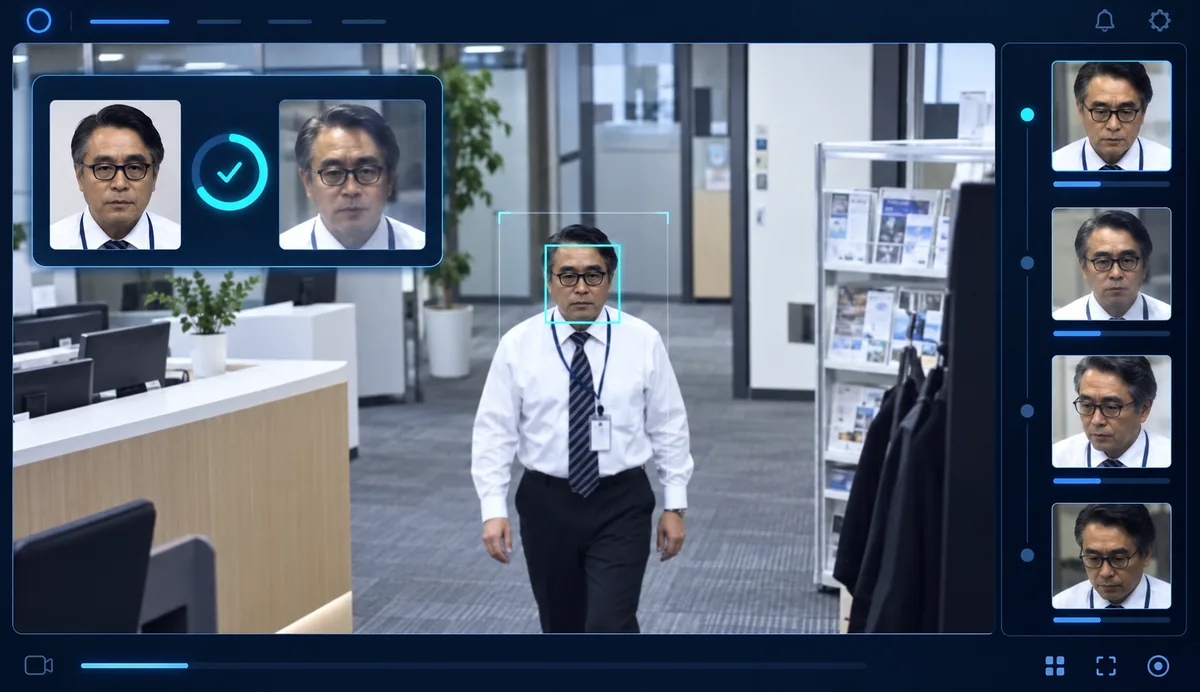
A review console showing an office entrance camera, one face framed by a detection box, a side-by-side comparison with a reference photo marked as matching, and a rail of captured face images

Decision intelligence

Every recognition is checked against the conditions that matter.

01

Zone-based face identification

Assign a camera's approach area to a specific door, floor, room or restricted space, so a person is matched only where the policy expects them.

  • Virtual approach and threshold zones
  • Location-specific allow lists
  • Tailgating and out-of-zone review events

02

Time-based identification

Apply schedules, shifts, visitor windows and temporary permissions before an access action is considered at all.

  • Working-hour and holiday schedules
  • Role- and shift-aware access
  • Expiry and exception handling

03

Liveness check

Add presentation-attack detection to the decision, so a printed photograph or a replayed screen is not treated as a person.

  • Liveness required by policy, per door
  • Confidence threshold and review queue
  • No automatic unlock request on uncertainty

The decision, made visible

Understand why a door opened β€” or why it did not.

Security teams get one accountable event: the camera, the identity decision, the liveness result, the zone, the schedule, the controller's own response and a pointer to the evidence.

Access allowed
Authorised identityMatch confidence and liveness passed
Zone
HQ Β· East lobby
Schedule
Weekday access window
Action
Unlock request acknowledged
Illustrative access event

Built for real entrances

Protect the places where a badge is not enough.

01

Corporate offices

Hands-free staff entry and an auditable record for reception, executive floors and secure rooms.

02

Factories & logistics

Role- and shift-aware entry for production zones, dispatch areas and controlled stores.

03

Data centres

Add face, liveness, zone and schedule conditions to a high-assurance entry workflow.

04

Multi-site operations

One policy model across branches, with site-level control kept where it belongs.

Deploy your way

Designed for the security systems you already operate.

Choose edge, on-premises or managed deployment according to site scale, latency, data residency and operational policy. Exact camera, VMS and controller compatibility is confirmed in a site assessment rather than promised in advance.

  • Camera and VMS readyWorks from approved video sources and inside the security operations workflow your team already uses.
  • Controller-safeAuthenticated controller integrations, least privilege, and door state, unlock duration and life-safety rules left to the controller.
  • Auditable by designRetain only the event data your policy approves, and export the log an access review asks for.

Questions buyers ask

What this is, and what it is not.

What is CCTV-camera-based face identification for access control?
It is a physical-security workflow in which an approved camera stream provides an identity signal to a policy engine. The policy can check the face match, liveness, zone, schedule and entitlement before it sends an authenticated request to the access-control system. The approved door controller remains responsible for the door action itself.
Can a CCTV camera unlock a door with face recognition?
It can take part in a controlled workflow, but a production design should never let a browser or a bare face match operate a relay. Ayonix sends an authenticated access decision to the approved controller, and only after the configured policy checks pass.
What is liveness detection in face access control?
Liveness detection evaluates whether the camera is seeing a real person rather than a presentation such as a printed photograph or a replayed screen. Where policy requires liveness and it is not passed, no automatic unlock is requested.
What happens when the match fails, or the controller does not answer?
Nothing opens. No match, confidence below threshold, failed or unavailable liveness, a missing entitlement, a time outside the window and an unacknowledged controller are all handled the same way: no automatic unlock request, and an event for review.
Which cameras and access-control systems does this work with?
RTSP and ONVIF video sources and controller APIs are the general case, through approved integrations. Which of your specific cameras, VMS and controllers are suitable is settled in a site assessment β€” naming them before that would be a compatibility claim nobody has tested at your site.

Plan your access flow

Bring your camera, your door controller and your policy. We will map the architecture.

Request a solution consultation