
Customer onboarding

Ayonix online ID verification
Verify identity.From any screen.
Confirm a passport, national ID card or driver licence — then prove the person presenting it is live and matches the document portrait.
- WebDesktop or mobile browser
- MobileGuided camera capture
- LiveRandomised liveness check
Verification completeSession ID · 8K3P
Document
Passport
Data and portrait captured
- Document accepted
- Liveness passed
- Face matched
- Consent recorded
Final decisionVerified
Identity documents
- PassportPhoto page · MRZ-ready capture
- National ID cardFront and back capture
- Driver licenceFront and back capture
One controlled journey
Document, presence and face — verified together.
Ayonix connects the identity claim on the document to the person completing the session. Each stage returns evidence for a final allow, deny or review decision.
- 01
Capture ID
Guide the user to capture a passport, national ID card or driver licence with readable edges and usable image quality.
- 02
Check document
Read the configured fields and evaluate the document type, the portrait and the visual or machine-readable signals available on it.
- 03
Prove liveness
Ask the user for movements drawn at random from turn left, turn right, look up, look down and smile, in a guided active check.
- 04
Match & decide
Compare the live capture with the document portrait, apply your policy, and return verified, rejected or manual review.
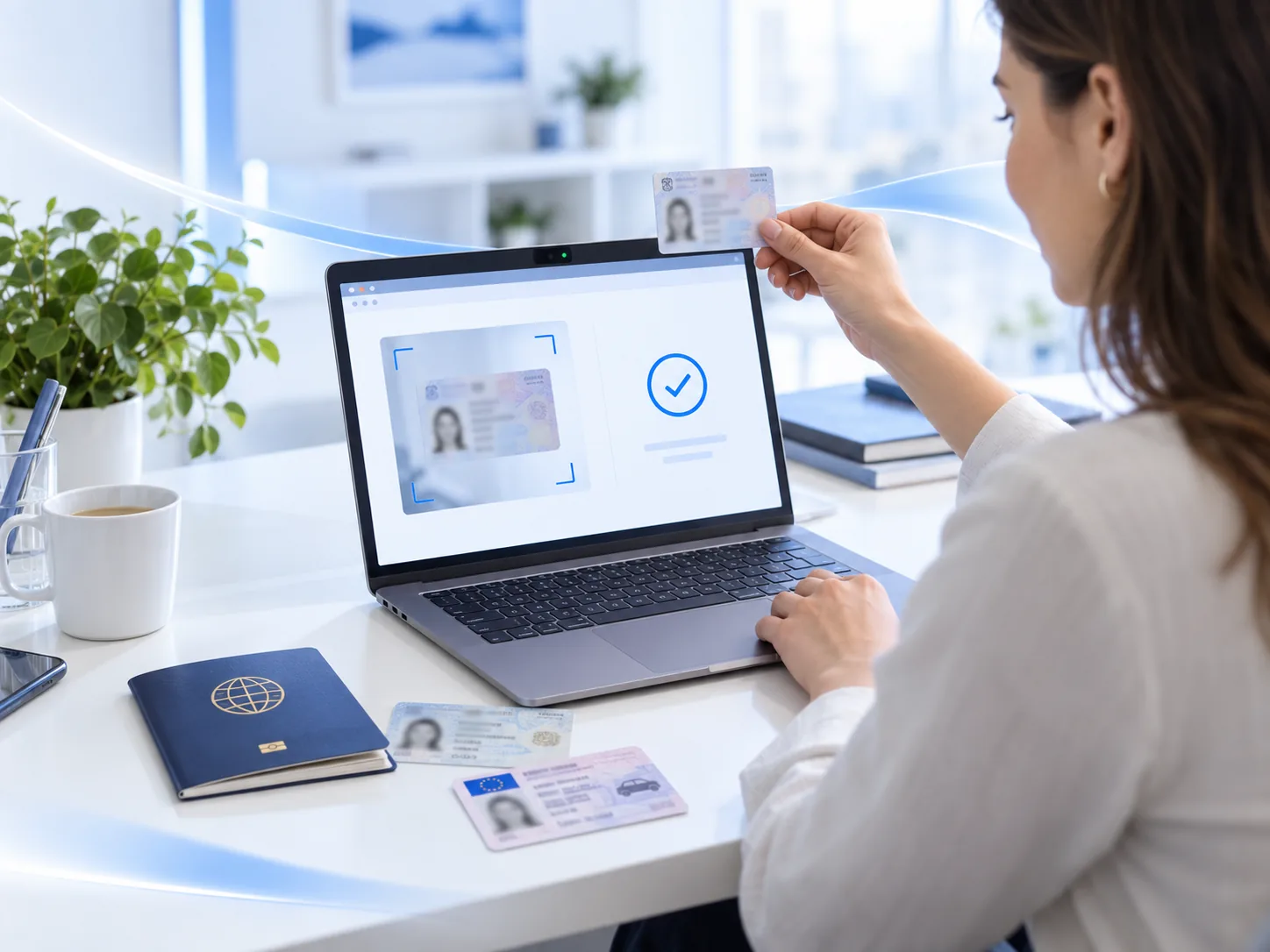
Browser or mobile
Meet the customer on the device already in their hand.
Run a consistent identity journey in a desktop browser, a mobile browser or a supported app. Continue on another device when camera quality or convenience demands it.
No application download required.
Start from a secure link, capture the document with the webcam or hand off to a phone, then return the result to the workflow that started it.
- Responsive guided capture
- Desktop-to-mobile handoff
- Session status returned to your application
Use the camera people already know.
Capture the front and back of an identity document, turn the camera for liveness, and finish the journey in one mobile session.
- iOS, Android or mobile web journey
- Glare, blur and framing guidance
- Clear retry, review and completion states
Guided active liveness
Movements you cannot predict. One live-person check.
The user follows a short, visible prompt while Ayonix evaluates the capture before any face comparison is made.
 Turn leftShow natural face movement.
 Turn rightThe same movement, the other way.
 Look upChange head orientation upward.
 Look downChange head orientation downward.
 SmileA natural change of expression.
The application asks the user to turn their head right, left, up, or down to confirm that a real person is in front of the camera, not a photo. The movements are selected randomly each time, making it difficult to predict or fake the liveness check.
Mobile-first completion
Capture the ID. Turn the camera. Complete the check.
One calm, linear flow, with clear recovery guidance when glare, blur, framing or movement is not sufficient.
- Document guidanceFraming and quality feedback before the image is submitted.
- Step-by-step livenessOne visible movement at a time, with progress and retry guidance.
- Clear outcomeVerified, rejected or review — without exposing the internal risk logic to the person being checked.
Layered decisioning
Do not trust one signal alone.
The final decision combines document evidence, capture quality, liveness, face similarity and your own workflow policy.
- 01Document evidenceValidate the configured document type, its fields, the portrait and the security signals available on it.
- 02Live presenceRequire a completed active movement sequence before a selfie is accepted at all.
- 031:1 face matchCompare the live capture only with the portrait from the claimed identity document. This is not a search.
- 04Decision policyRoute borderline, incomplete or policy-sensitive sessions to a person rather than to a threshold.
Verification evidenceComplete
Session 8K3P
JapanPassport
- DocumentConfigured checks completedPass
- PresenceGuided liveness completedPass
- FaceSimilarity meets the operating thresholdPass
Final decisionVerified
Enterprise applications
Verify identity at the moment trust is required.
Account recovery
Re-establish identity before restoring sensitive access.
Discuss integrationRemote registration
Confirm students, employees, visitors or contractors remotely.
Design a pilotHigh-risk actions
Step up assurance before regulated or irreversible actions.
Define policyIntegration & deployment
Connect identity verification to the workflow you already operate.
Start a session from your web or mobile experience, receive the status through the approved integration, and keep only the records your policy requires.
Start
- Website
- Mobile app
- Secure link
Ayonix verify
Identity sessionDocument · Liveness · Match · PolicyReturn
- Verified / rejected
- Manual review
- Evidence and audit event
- 01
On-premise
Keep the services and the verification records inside your own controlled environment.
- 02
Private cloud
Deploy within an approved cloud account and network boundary.
- 03
Managed cloud
Scale approved online journeys with centrally operated services.
- 04
Hybrid
Combine local data controls with approved central orchestration.
Privacy by workflow design
Collect what the decision needs. Keep it only as long as required.
Identity documents and biometric data need purpose limitation, access control and retention rules defined for the deployment — not hidden defaults.
- Explicit purpose and consent handling
- Configurable evidence and retention policy
- Role-based operational access, with audit events
- Manual review for consequential or borderline cases
Procurement questions
Before you design a pilot.
Answers for identity, security, privacy and integration teams.
Which documents can the workflow accept?
Passport, national ID card and driver licence journeys can be configured. The exact countries, document versions and check coverage are confirmed during solution design rather than promised in advance, because they depend on the documents your users actually present and on what the deployment is configured to read.
Can the journey run entirely in a browser?
Yes. A desktop or mobile browser can guide both document and face capture. A desktop session can also hand the camera steps off to a phone and receive the result back, which is the usual answer when the desktop webcam is not good enough for the document.
What does the liveness sequence ask the user to do?
The check asks for movements drawn at random from turn left, turn right, look up, look down and smile, one at a time with visible progress. Because the order changes on every attempt, it cannot be rehearsed or replayed. The production configuration can be aligned with your usability and risk requirements.
Is the face searched against a database?
No. This is a 1:1 workflow: the live capture is compared with the portrait from the single identity document the person has claimed. It is not a 1:N search against a gallery, and no watchlist is involved.
What happens if a step is unclear or fails?
The journey offers a safe retry for quality problems — glare, blur, framing, movement — and returns rejected or manual review when the required evidence cannot be established. Nothing is assumed in the person's favour or against them when the evidence is missing.
What should we prepare for a pilot?
Target countries and documents, the channels you need, expected volume, retention requirements, who reviews a flagged session, your integration points and any deployment constraints. Those six things are what turn a demonstration into a design.
Start with a real verification journey
Bring the document, the device and the risk policy.
Ayonix will map them into a browser and mobile ID verification pilot with guided liveness.
What is Ayonix identity verification?
Ayonix identity verification confirms that a live person matches a claimed identity (1:1), using liveness detection and presentation-attack detection to resist spoofing. It is part of Ayonix Face Recognition and complements 1:N face identification for eKYC, onboarding and secure sign-in.