Skip to content
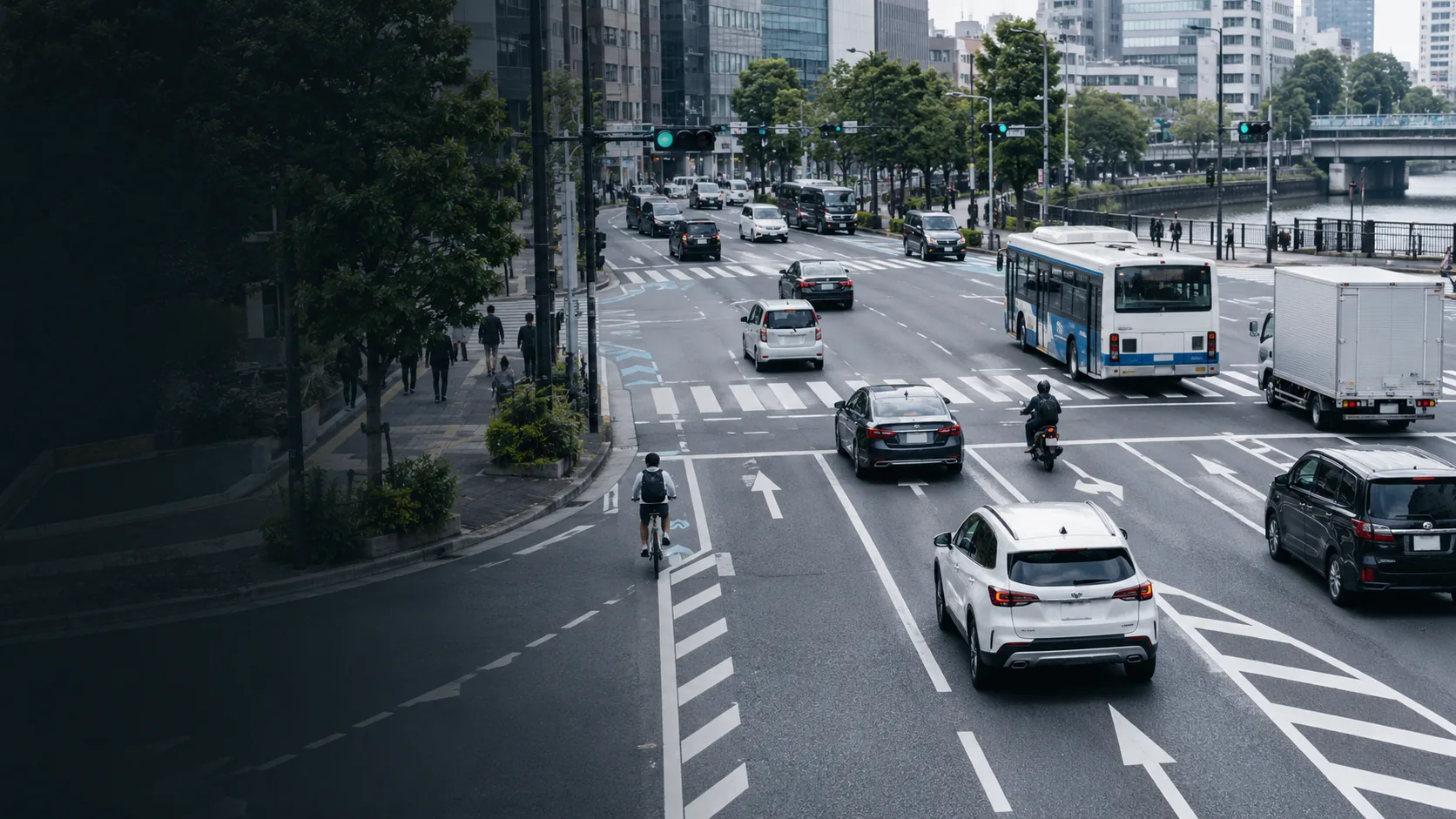
A multi-lane city street carrying cars, a bus, a truck, a motorcycle and a cyclist across marked lanes and a crossing

Ayonix Traffic Intelligence

Turn existing cameras into traffic data you can act on.

Count and classify vehicles, measure direction and turning movement, monitor queues and occupancy, and send approved data to the systems your team already uses — without replacing working cameras.

  • RTSP / ONVIF cameras
  • Edge or on-premise
  • VMS, API and CSV
  • Site-specific acceptance test

Start with the decision

One platform. Four ways to put traffic data to work.

Traffic surveys

Replace manual counting with reviewable movement data.

Process recorded camera or drone footage into class, direction and turning-movement reports for planning, modelling and scheme appraisal.

DeliverablesClass totals · direction · turning movements · time intervals · CSV and report export

Test recorded footage
Live traffic

See queues and flow changes while there is time to respond.

Monitor lanes, approaches and corridors continuously. Trigger events when queues build, flow changes or configured conditions are reached.

DeliverablesLive flow · queue status · class and direction · events · dashboard · webhook and API

See the live traffic workflow
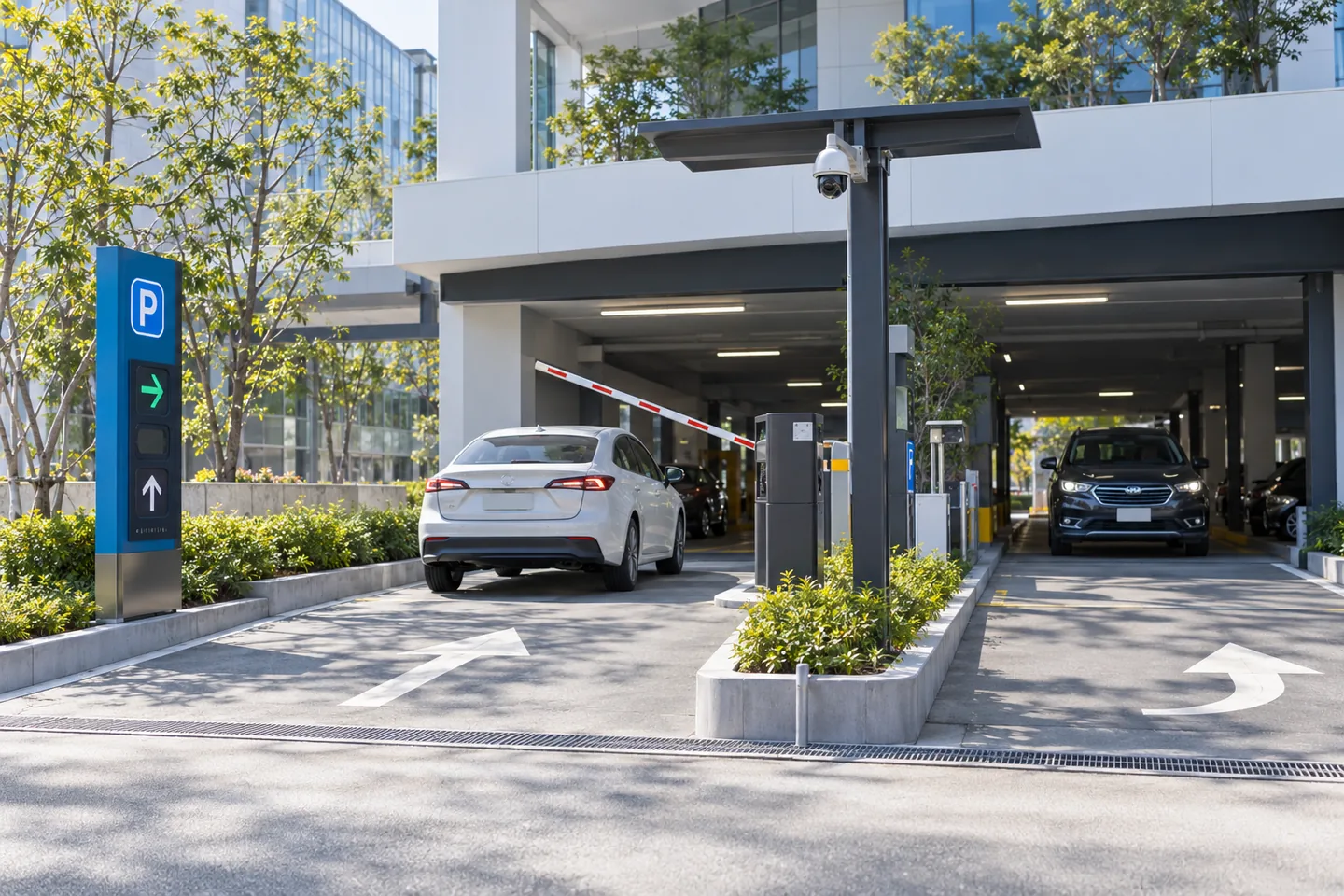
Cars entering and leaving a covered car park past a raised barrier, with a camera on a pole above the entrance lane

Parking and access

Know what entered, what left and how much capacity remains.

Combine directional counting, live occupancy and optional ANPR for parking guidance, permits, barriers and overstay workflows.

DeliverablesEntry and exit counts · occupancy · dwell · access events · barrier integration

Review a parking entrance
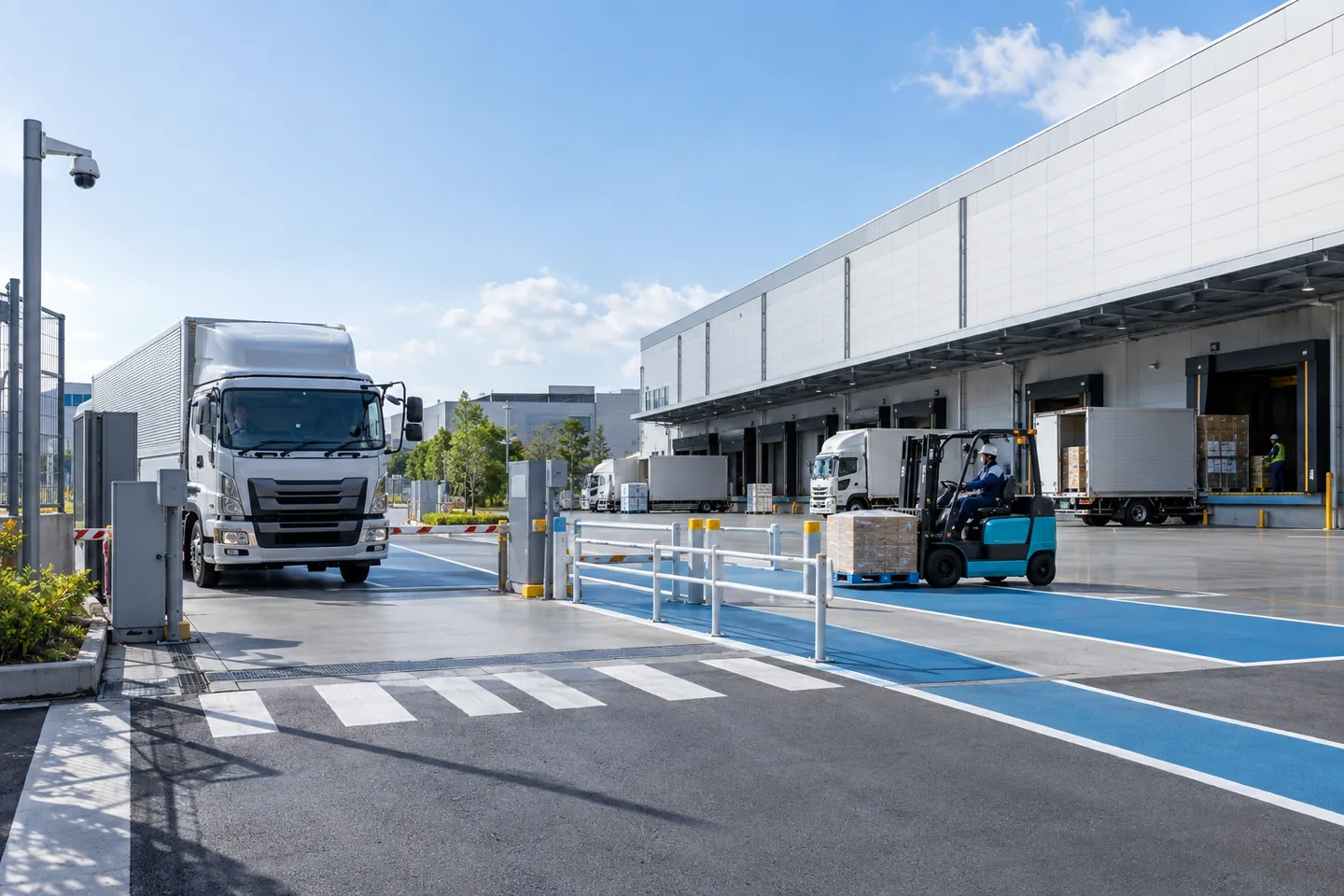
A truck at the gate of a distribution centre while a forklift moves a pallet along a marked lane beside the loading docks

Logistics and industry

Measure the movement behind every delivery.

Track trucks, forklifts, loading zones and gate activity so operations teams can see turnaround, utilization and bottlenecks by shift.

DeliverablesGate flow · truck and forklift class · zone activity · dwell · dock utilization · scheduled reports

Review a logistics scene

Accuracy with conditions

Accuracy is accepted on your scene — not implied by a generic percentage.

Every evaluation starts with the camera view, traffic density, class set and the decisions the data has to support. Ayonix then compares results with agreed manual ground truth and reports performance by class, direction and observation window.

  1. 01Check the viewAngle, height, resolution, frame rate, lighting and occlusion.
  2. 02Define the eventClasses, lines, zones, direction and reporting interval.
  3. 03Establish ground truthAgree representative peak and quiet test windows, counted by hand.
  4. 04Accept the resultReport count variance and exceptions before any scale-out.

Ayonix publishes no headline accuracy figure for this page. A number that has not been measured on your scene, with your classes and your camera, is not one a traffic engineer can defend.

Data that leads to action

Give every count a decision.

  • Plan intersections with turning-movement evidence.

    Compare approaches, directions and class mix by time of day.

  • Act before a queue becomes an operating problem.

    Trigger alerts when queue length or flow reaches a configured threshold.

  • Manage parking from entry and exit movement.

    Maintain occupancy against a configured capacity and share it with guidance or access systems.

  • Improve yard and dock throughput.

    Measure gate flow, zone activity and dwell across shifts.

  • Export without re-counting.

    Send approved aggregates and events to BI, traffic, parking, VMS and operational systems.

Why Ayonix

Use the cameras you have. Gain the data your current system does not provide.

CapabilityAyonix Traffic IntelligenceManual surveyLoops / roadside sensorsBasic camera analytics
Existing video and live streamsYesRecorded review onlyNoVendor dependent
Class and directionConfigurableLabour dependentLimited by sensorUsually basic
Turning movements and zonesYesYes, manuallyLimitedModel dependent
Live and historical viewsYesHistorical onlySeparate systemLimited
Edge / on-premiseYesNot applicableHardware localCamera only
VMS, API, webhook and CSVYesManual exportIntegration projectVendor ecosystem
Scene-specific acceptanceAgreed before scaleManual baselineCalibration requiredRarely documented

Deploy where your policy requires

Camera → Ayonix Engine → operational systems.

  1. 01CaptureExisting IP cameras, NVR video or uploaded recordings.
  2. 02AnalyzeATLAS AIBOX at the edge, or Ayonix software on a local server.
  3. 03ValidateConfigured classes, lines, zones, directions and schedules.
  4. 04ActDashboard, reports, VMS events, REST API, webhooks and CSV.

Works with

  • Network Optix Nx Witness
  • Milestone XProtect
  • Genetec Security Center
  • ONVIF
  • RTSP
  • REST API
  • Webhooks
  • CSV

Start with one camera

Prove the scene before you scale the system.

Camera suitability review

Send a representative peak-period clip. Ayonix reviews camera angle, visibility, traffic density and the classes you need.

Analyze my footage

Production deployment

Choose edge, on-premise or multi-site architecture once the scene and integration requirements are confirmed.

Request a production design

Pricing depends on camera count, deployment architecture and integration scope, and is quoted after the scene review.

Procurement FAQ

Answers before the first call.

Can Ayonix use our existing cameras?

Ayonix accepts standard IP video through RTSP and ONVIF. Suitability depends on the view, resolution, frame rate, lighting, occlusion and the classes being measured — which is what the camera review checks.

What vehicles can Ayonix count?

Classes are configured for the site and the model. Typical road deployments include cars, vans, trucks, buses, motorcycles and bicycles. Industrial projects can include forklifts and other classes after the footage is evaluated.

How is accuracy measured?

Ayonix defines representative test windows and compares output with agreed manual ground truth, reporting by class, direction and observation window. No figure is published in advance, because a number measured on someone else's scene does not transfer to yours.

Can the system run without sending video to the cloud?

Yes. Processing can run on an ATLAS AIBOX or an on-premise server, so video stays inside the site environment.

Can Ayonix integrate with our VMS or traffic system?

Ayonix supports VMS workflows and external integration through plugins, REST APIs, webhooks and exports. Compatibility is confirmed against the required product and version before specification.

Can it analyze recorded video?

Yes. Recorded footage can be evaluated for traffic surveys and for scene suitability, subject to supported formats and video quality.

Does vehicle counting require ANPR?

No. Counting and classification do not require plate recognition. ANPR is a separate module, used only where the workflow, the policy and the applicable law support it, and plate coverage is confirmed per deployment.

Test the camera you already have

Bring one traffic scene. Leave with a clear deployment decision.

Ayonix reviews camera fit, the classes, lines and zones you need, the deployment architecture and the acceptance method for your project.