Skip to content

Ayonix Perimeter & Zone Intelligence

AI Perimeter & Zone Intelligence

Protect Every Boundary. Understand Every Zone.

Detect unauthorized entry, monitor restricted areas, understand zone occupancy and identify configured safety risks using AI-powered video analytics.

  • Existing IP cameras
  • ONVIF / RTSP
  • Edge
  • On-premise
  • VMS
  • API
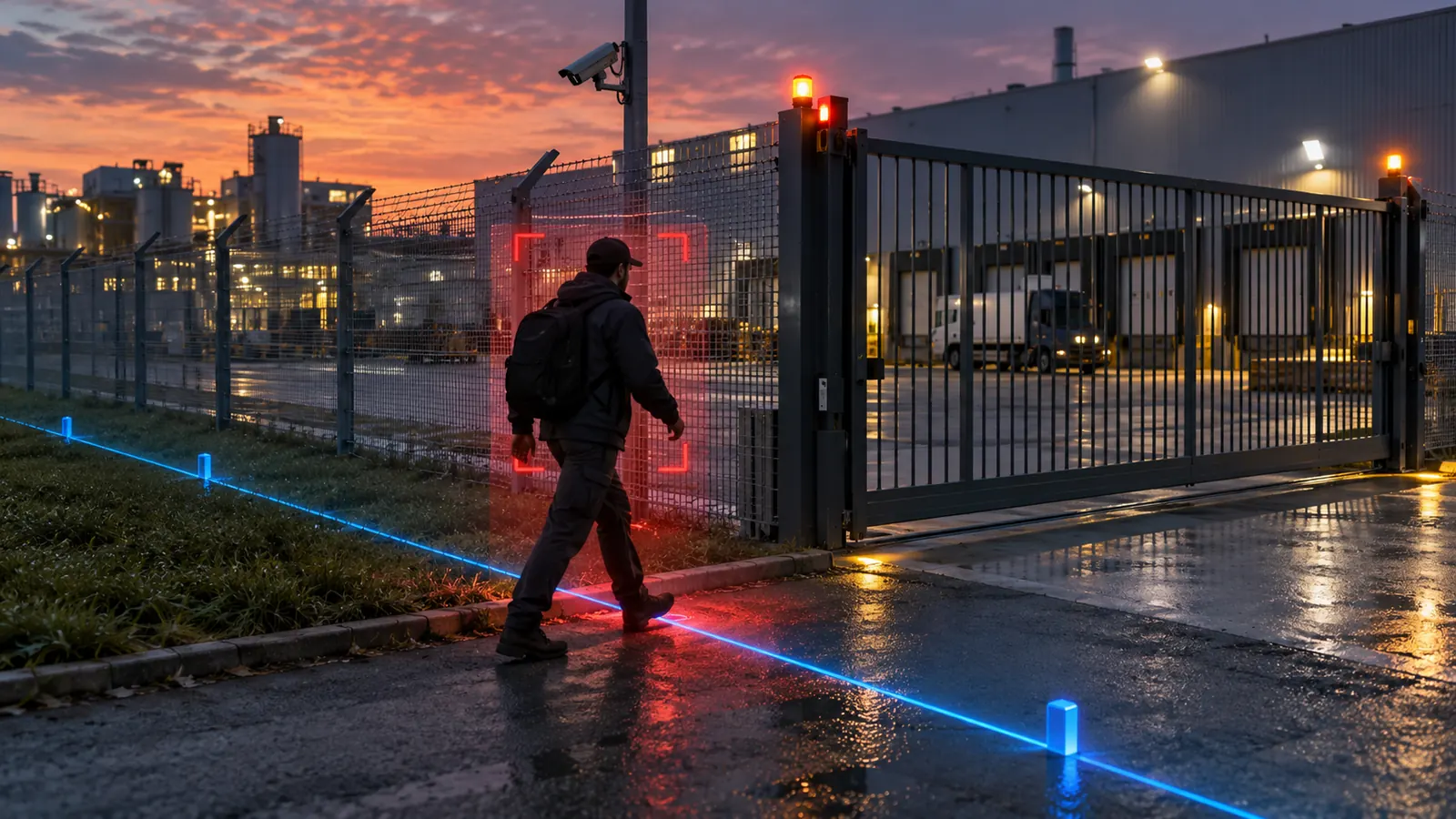
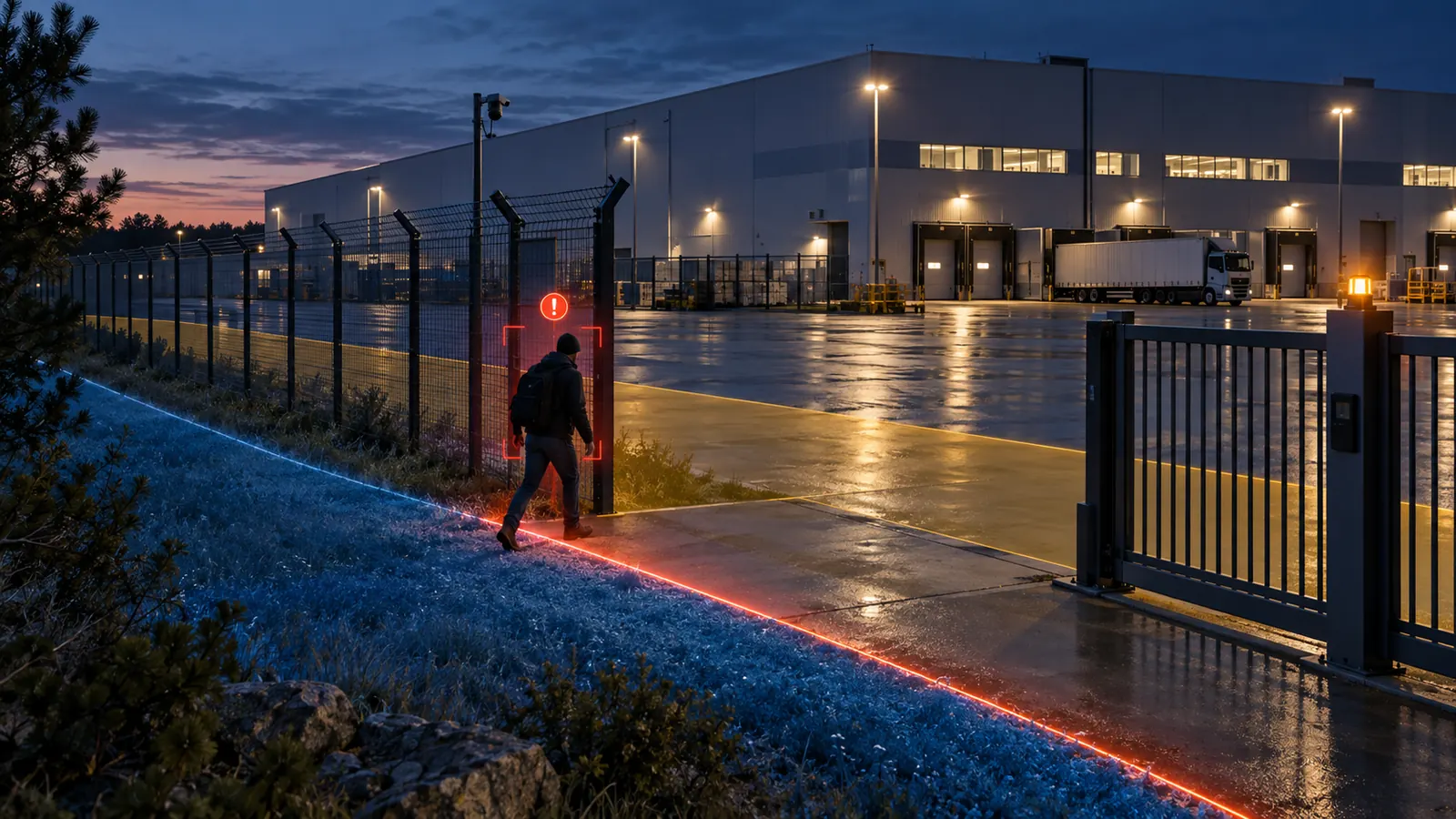
A person crossing a marked boundary at a factory perimeter fence, with the boundary drawn as an analytics overlay
Illustrative event feed
  • IntrusionPerimeter · Cam 01
  • Zone occupancyWarehouse · Cam 02
  • Line crossingGate · Cam 03

Interface illustration. Not measured data.

One platform

One video stream. Multiple layers of protection.

Security, safety and operations from the same feed — because a camera that only raises alarms is a camera nobody reviews.

  1. Camera

    Existing IP camera over ONVIF or RTSP.

  2. Detect

    People and vehicles found in the frame.

  3. Classify

    Object type resolved so a rule can filter on it.

  4. Apply rule

    Your zone, line, direction, dwell or occupancy rule.

  5. Alert

    Event raised with severity and destination.

  6. Verify

    Snapshot and playback for an operator to confirm.

  7. Investigate

    Search by camera, zone, object and time.

  8. Report

    Export or push to the systems you already run.

One platform. Multiple security scenarios.

From perimeters to production floors.

Every module below is the same detection and tracking layer with a different rule on top. Configure the ones your site actually needs.

Intrusion detection

Know when someone is where they should not be.

Mark a protected area and detect people or vehicles entering it within the camera view. The rule is a shape you draw, not a fixed box.

  • Custom polygon per camera
  • Entry event with object class
  • Severity and schedule per zone
  • Operator review with snapshot

Discuss perimeter security
Restricted-zone detection at an industrial loading dock
Restricted zone · Loading dock

Perimeter & boundary crossing

Know when a boundary is crossed.

Define a virtual boundary around a site and focus attention on the crossings that matter, with the direction of travel recorded.

  • Virtual boundary around the territory
  • Crossing direction recorded
  • Event signal for operator review
  • Works with the cameras already watching the fence
Discuss perimeter security
Perimeter intrusion detected at a factory boundary fence
Perimeter · Factory territory

Virtual line crossing

Count and alert on a line you draw.

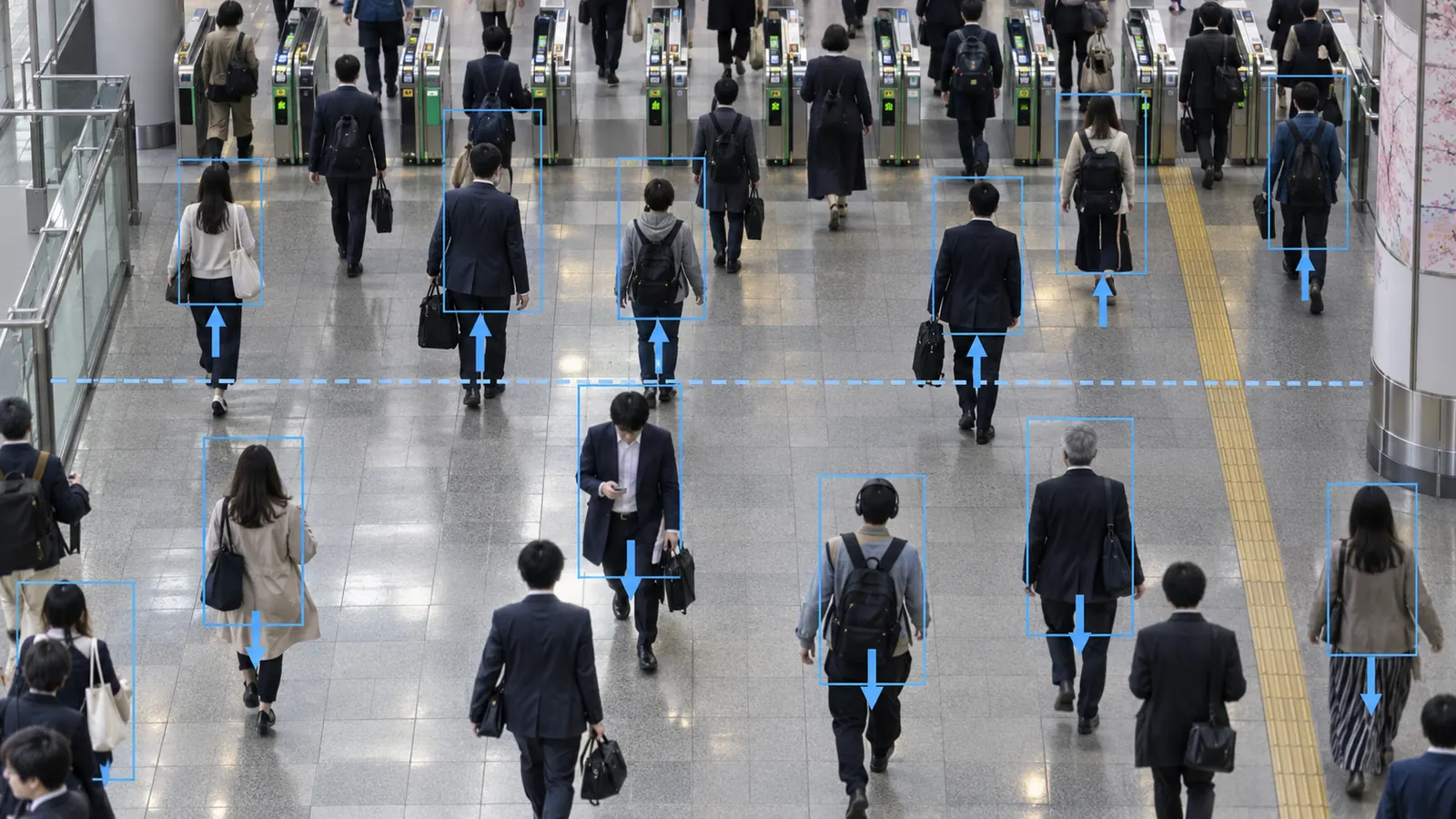
A virtual line turns a movement into an event. Filter it by object class and by direction so an entry and an exit are not the same thing.

  • Directional crossing, counted separately
  • Object filter: person, vehicle
  • Multiple lines per camera view
  • Event, count or both
Discuss zone analytics
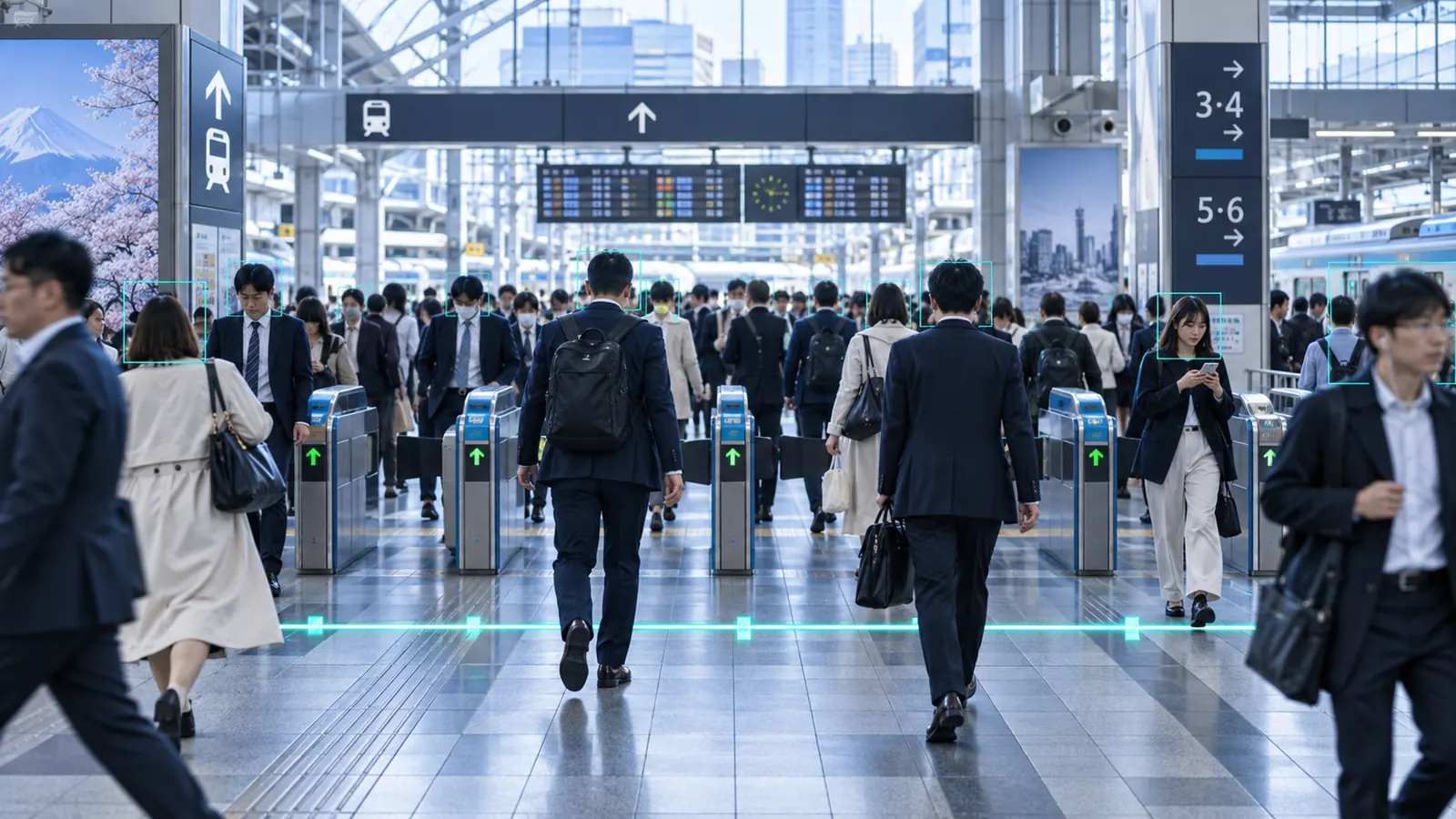
People crossing a marked line at a building entrance
Line crossing · Entrance

Occupancy & capacity

Hold a live headcount against a limit.

Maintain how many people are inside a zone and raise an event before a configured threshold is exceeded rather than after.

  • Live occupancy per zone
  • Configured capacity threshold
  • Alert before the limit is crossed
  • Historical occupancy by period
Discuss zone analytics
People moving through a monitored indoor zone
Occupancy · Warehouse

Loitering & dwell

Notice what stays too long.

Measure how long a person remains inside a zone and raise an event when dwell passes the threshold you set for that area.

  • Dwell threshold per zone
  • Time-of-day and day-of-week patterns
  • Separate thresholds for separate areas
  • Event with elapsed time
Discuss zone analytics
Dwell-time analysis of a person remaining in a monitored area
Dwell · Side area

Wrong direction

Flag movement against the flow.

Where traffic should only travel one way, a directional rule on a line or a zone turns the exception into an event.

  • Direction set per line or zone
  • Person and vehicle rules
  • Scheduled by shift or opening hours
  • Event routed by severity
Discuss zone analytics
Directional movement monitored at a site boundary
Direction · Gate

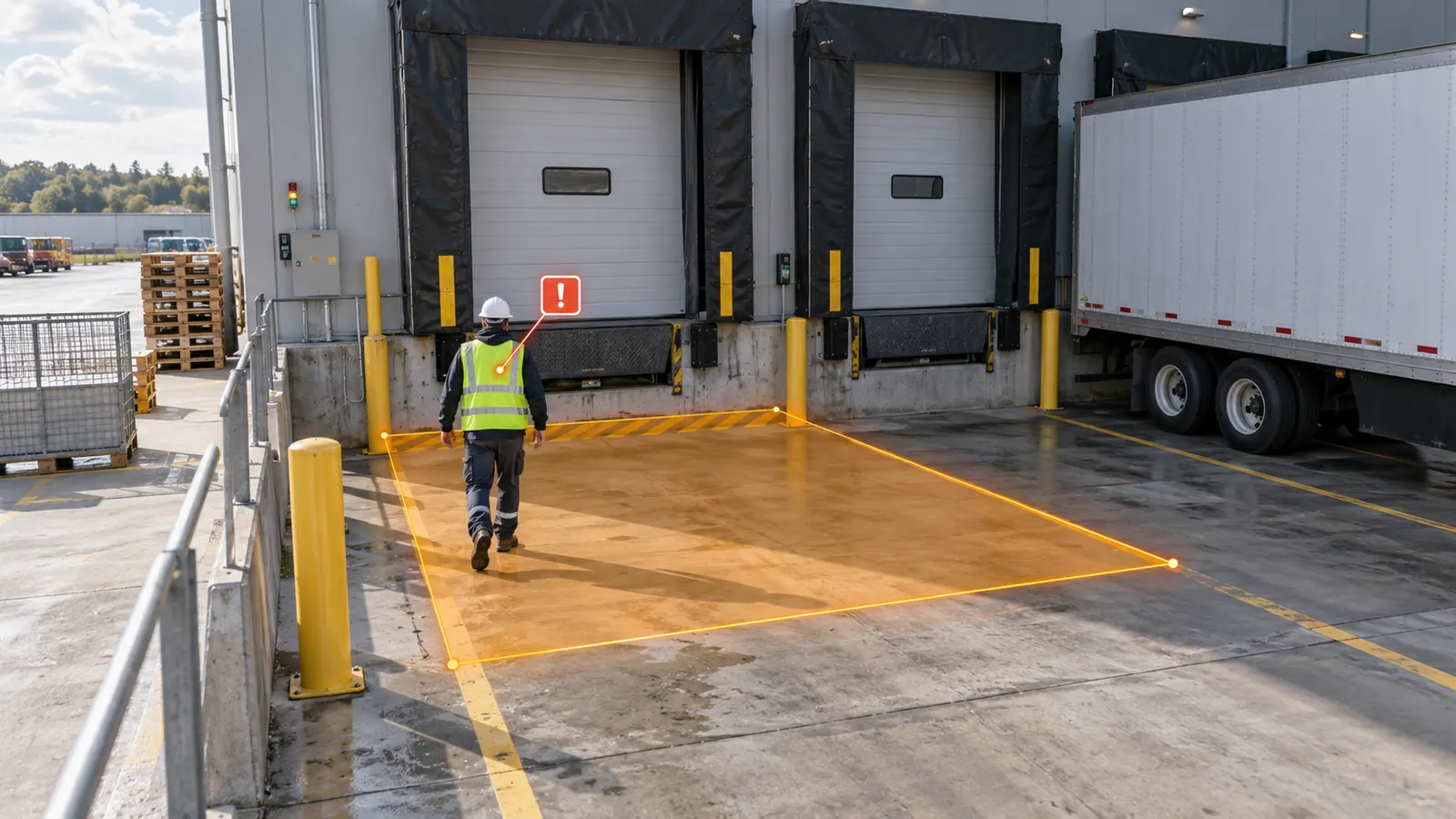
Workplace vehicle-path safety

See people inside a vehicle path.

Draw the area where vehicles move and raise an event when a person is detected inside it. A configured zone rule — useful for reviewing near-misses and for training, and never a replacement for the physical controls that keep people out of that path.

  • Vehicle-path zone drawn per camera
  • Person-in-zone event with snapshot
  • Shift schedules and severity
  • Reviewable record for safety meetings
Discuss workplace safety
A worker in high-visibility clothing near a marked vehicle movement area
Safety zone · Yard

Visual rule builder

A rule is something you draw.

Zones and lines are configured per camera during commissioning, then tested against real footage before they are saved.

CAM 01 · PerimeterConfiguration preview. Illustrative values.
Rule type
Polygon zone
Object filter
Person
Direction
Entering
Dwell threshold
20 s
Occupancy threshold
8 people
Schedule
Mon–Sun, 18:00–06:00
Severity
High
Action
Alarm + webhook
Destination
VMS event · SOC

Security operations

Ayonix Security Center.

Live feeds, the event stream, and the trend behind them — so an operator can act now and a manager can see the pattern later.

  • CAM 01 · PerimeterIntrusion
  • CAM 02 · WarehouseOccupancy
  • CAM 03 · GateLine crossing
  • CAM 04 · YardVehicle
  • CAM 05 · LoadingSafety
  • CAM 06 · EntrancePeople
Recent events
  • Intrusion detectedPerimeter · Cam 01
  • Zone occupancy alertWarehouse · Cam 02
  • Line crossingGate · Cam 03
  • Person in vehicle pathYard · Cam 04
  • Loitering detectedSide area · Cam 05
Event trend, 24 hoursEvent types
Intrusion
28%
Line crossing
22%
Occupancy
18%
Safety
15%
Loitering
10%
Other
7%
System status
AI engine
Online
Cameras
Normal
VMS connection
Connected
Storage
Healthy

All values shown are illustrative interface data.

Investigation

From alert to evidence.

An alert is only useful if the next four clicks are obvious. Every event carries what an operator needs to confirm it and what an investigator needs to find it again.

  1. Event
  2. Snapshot
  3. Camera
  4. Time
  5. Rule
  6. Playback
  7. Search
  8. Export
Search filters
  • Camera
  • Event type
  • Zone
  • Object type
  • Time range
  • Severity

VMS integration

Work inside the platform your operators already use.

Surface perimeter and zone events alongside the video workflows in place today.

  • MilestoneXProtect
  • Network OptixNx Witness
  • GenetecSecurity Center

Confirm plugin availability, supported VMS versions, licensing, and event capabilities with Ayonix before specifying a deployment.

Ayonix works with camera and VMS environments including Genetec, Milestone Systems, Network Optix, Hikvision and Axis Communications. Compatibility is confirmed per deployment.

Discuss VMS integration

External systems

Send an event where it will be acted on.

Perimeter events rarely end in the video system. They open a door, raise a ticket or land in a log.

  • ONVIF
  • RTSP
  • REST API
  • Webhooks
  • Access control

    Doors, gates and barriers triggered on a rule.

  • PSIM & BMS

    Events into the platform that already runs the site.

  • SIEM / SOC

    Security events into the monitoring pipeline.

  • BI & databases

    Counts and events for reporting and analysis.

  • Customer applications

    Your own systems, over REST and webhooks.

  • Reporting

    Scheduled exports and CSV for review cycles.

Integration availability depends on product version, licensing, site topology and project scope. Requirements are validated during solution design.

Ayonix AIBOX · Edge AI

Turn Existing Cameras Into Intelligent Sensors.

AIBOX runs the analytics beside the cameras, so video stays on site and only events and metadata travel.

  1. IP cameras
  2. Ayonix AIBOX
  3. AI events & metadata
  4. VMS / dashboard / API
Discuss edge deployment
The Ayonix AIBOX edge AI appliance on a desk

Deployment

Put the inference where the constraint is.

Latency, bandwidth, data control and site autonomy decide this — not preference.

  • Edge

    Local inference on AIBOX beside the cameras. Low latency and modest bandwidth, with video staying on site.

    Best for remote sites and gates
  • On-premise

    An AI server inside the customer network, aggregating streams centrally within your own environment.

    Best for single large sites
  • Multi-site / hybrid

    Local inference for site autonomy, with central management and a single view across locations.

    Best for estates and networks

Where it is used

Boundaries worth watching.

  • Critical infrastructure
  • Factories
  • Warehouses
  • Construction
  • Logistics
  • Utilities
  • Transport
  • Commercial property
  • Campuses
  • Government facilities

Camera evaluation

Test it on your own video.

The only honest way to know whether a view supports a rule is to run the rule against footage from that view.

  1. Provide representative video

    A busy period and a quiet one, from the cameras in question.

  2. Define zones and lines

    Where the boundary is, and which way across it matters.

  3. Select objects and rules

    Object classes, thresholds, schedules and severity.

  4. Evaluate the events

    Reviewed against what actually happened in that footage.

Buyer questions

Answers before the pilot.

What is AI perimeter intrusion detection?

Software that detects people and vehicles in a camera view and raises an event when one crosses a virtual boundary or enters an area you have drawn. The boundary is configured in software rather than built in hardware, so it can be changed without touching the site.

Can existing CCTV detect intrusions?

Often yes. Suitable RTSP or ONVIF streams can be used. Camera height, angle, lens, resolution, lighting and the distance to the boundary all affect what a given view can support, so representative footage is reviewed before deployment.

What is a virtual security zone?

A shape drawn on the camera view — a polygon — that the analytics treat as a protected area. Entering it, leaving it, staying in it too long or exceeding a headcount inside it can each raise a different event.

Can AI detect line crossing?

Yes. A virtual line raises an event when a tracked object crosses it, and the direction of travel is recorded so entries and exits are distinguished. Several lines can be configured in one camera view.

Can occupancy thresholds trigger alerts?

Yes. Live occupancy is maintained per zone against a configured capacity, and an event can be raised as the threshold is approached or exceeded.

Can AI detect loitering?

Yes. A dwell threshold is set per zone, and an event is raised when a person remains inside that zone for longer than the configured time. Different areas can carry different thresholds.

Can it distinguish people and vehicles?

Yes. Detected objects are classified, and rules can filter on class — so a vehicle crossing a boundary and a person crossing it can raise different events, or one and not the other.

Can video analytics identify people entering hazardous vehicle zones?

A vehicle-path area can be drawn and an event raised when a person is detected inside it. This is a configured zone rule for review, near-miss analysis and training. It is not a collision-avoidance system, it carries no safety certification, and it does not replace barriers, segregation, training or any other physical or procedural control.

Can Ayonix integrate with a VMS?

Perimeter and zone events can be surfaced alongside video workflows. Confirm plugin availability, supported VMS versions, licensing, and event capabilities with Ayonix before specifying a deployment.

Can Ayonix run on-premise?

Yes. An AI server inside your own network can process streams centrally, keeping video within your environment and exporting only the events and metadata your policy allows.

Can analytics run at the edge?

Yes. AIBOX runs inference beside the cameras, which keeps latency low and bandwidth modest and lets a site keep working when the link to a central system is down.

Safer spaces. Stronger tomorrow.

Start with one boundary that matters.

Bring us the camera watching the boundary you care about most. We will help define the zone, choose the rule and evaluate it on your own footage before anything is specified.