
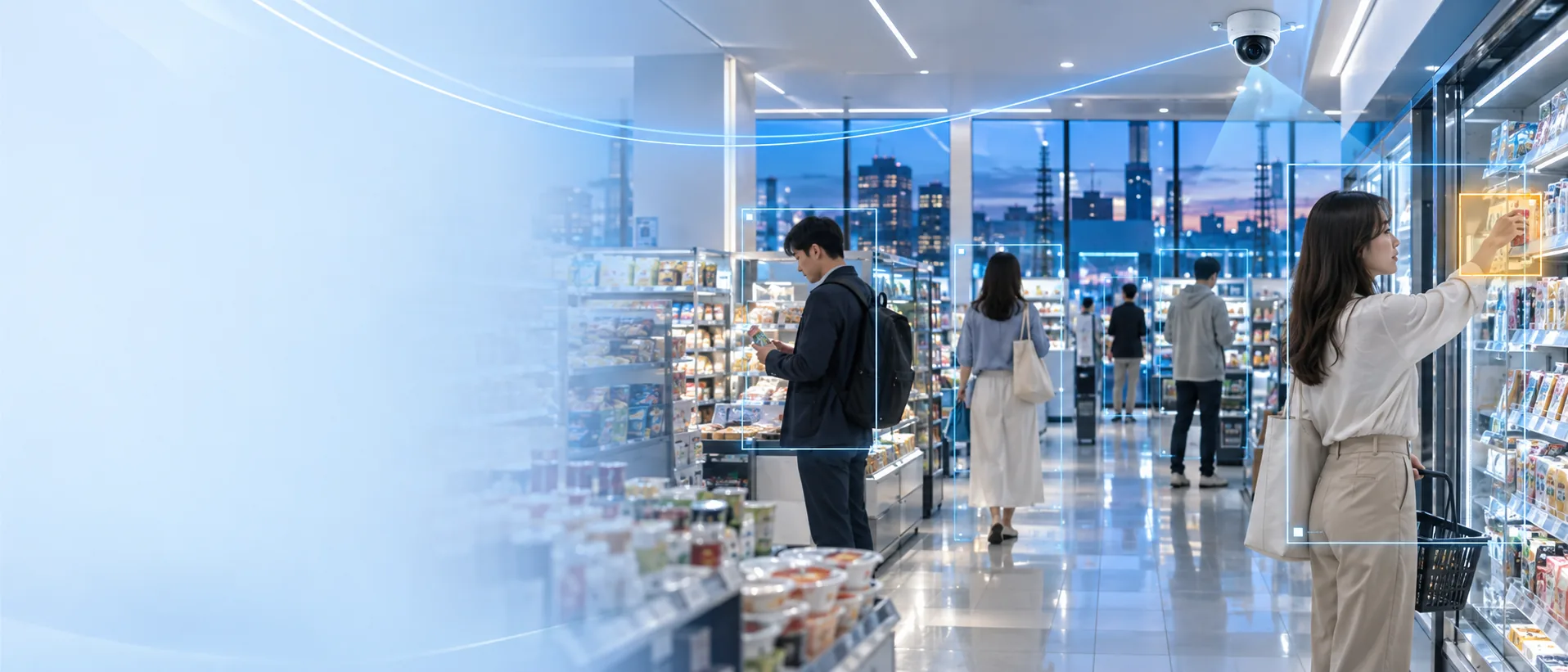
Ayonix retail loss prevention
See the moment that needs attention.
Ayonix analyses existing CCTV streams for potential concealment, unusual product handling and exit-zone events — then sends a short, review-ready alert to your team.
- Use existing cameras
- Real-time review alerts
- Edge or private cloud
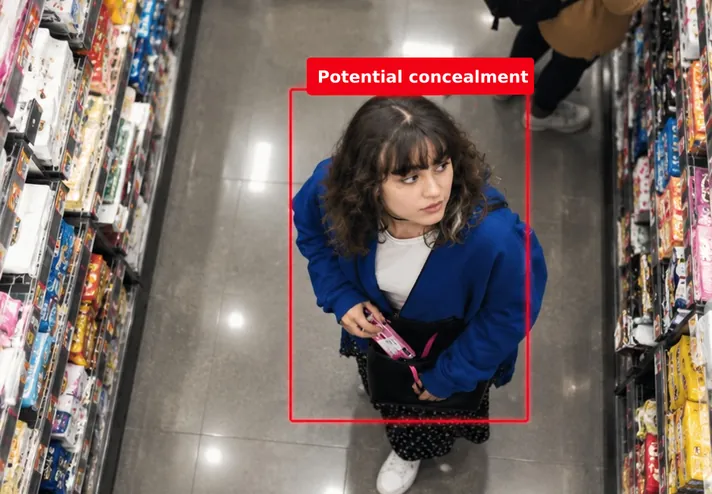
Review priorityHigh
- Supermarkets
- Pharmacies
- Convenience
- Fashion
- Specialty retail
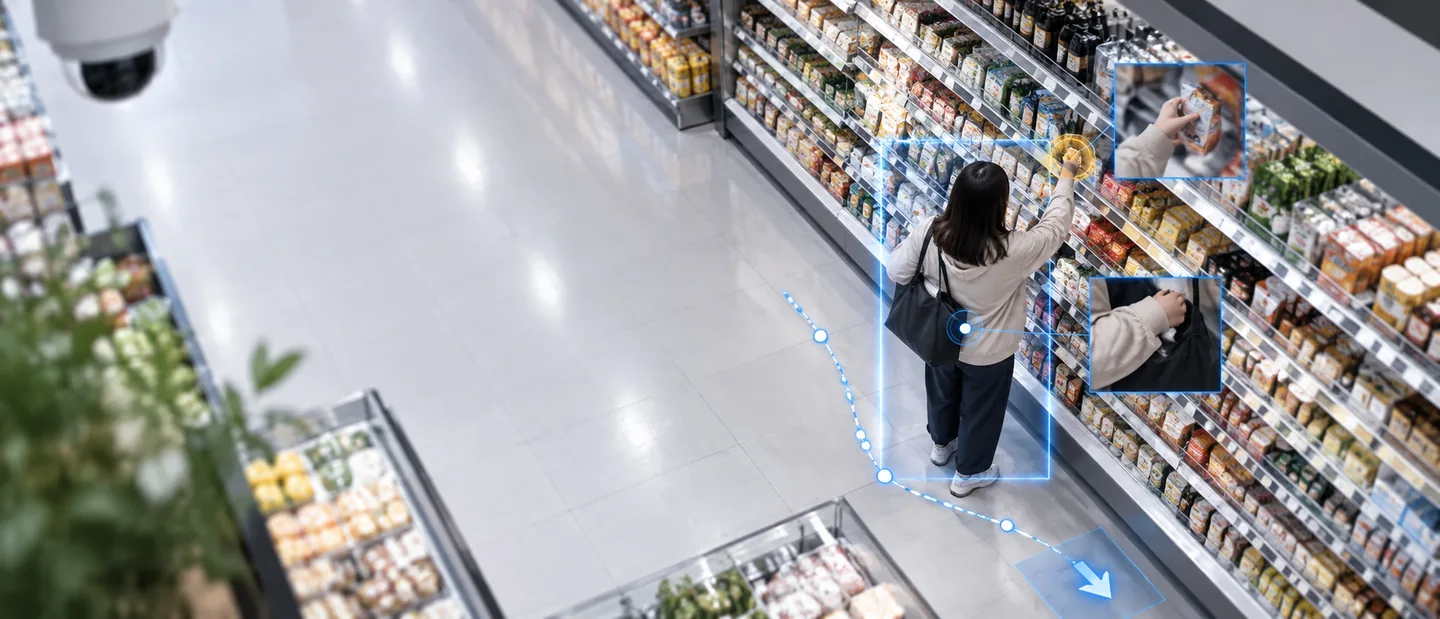
From hours of video to one moment worth looking at
Your cameras already see the store. Ayonix helps your team know where to look.
Continuous manual monitoring is expensive and inconsistent. Ayonix filters routine activity, surfaces relevant events and keeps the surrounding context — so trained staff make the final decision.
From exposed paper to controlled intelligence
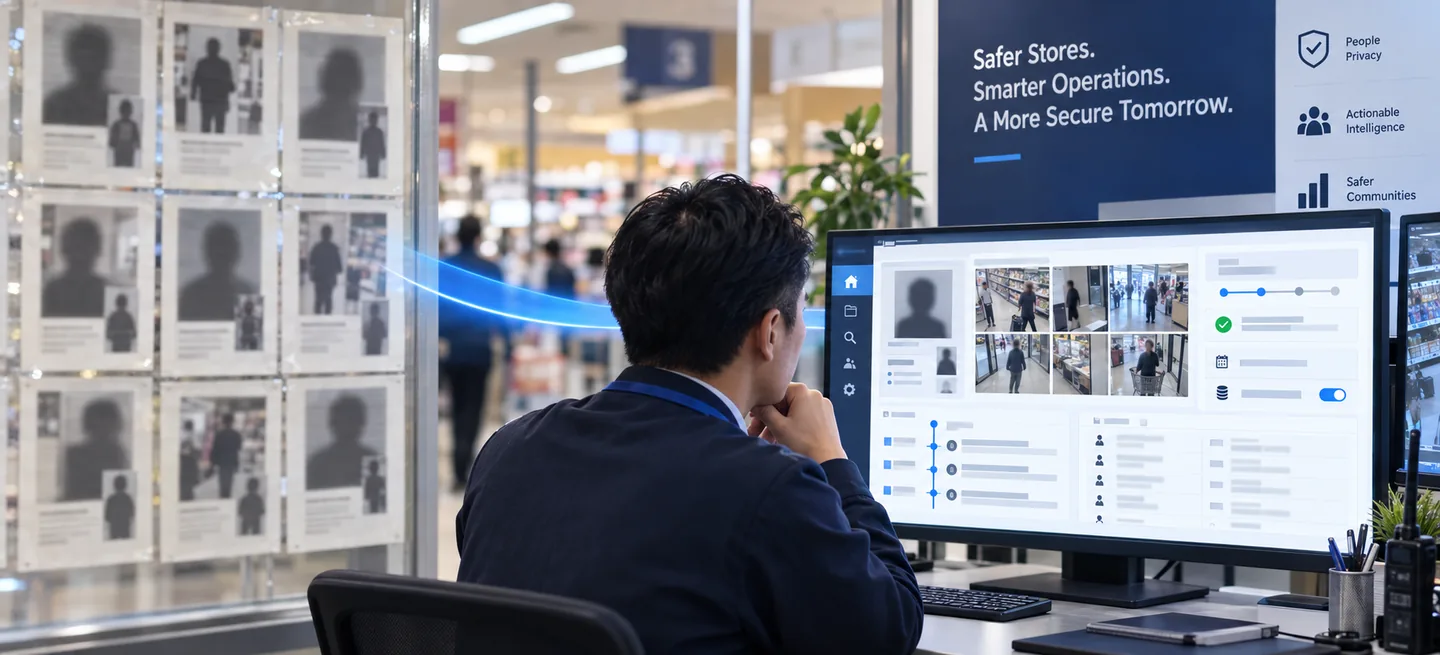
Protect the evidence — and the people in it.
Replace printed incident walls and loose CCTV screenshots with encrypted cases, authorised access, retention controls and a complete audit trail.
- Private by defaultVisible only to the people you authorise
- Evidence in contextMulti-camera clips and a timeline, not a single frame
- Policy-controlledRetention, export and audit rules you set
Optional repeat-entry identification is a separate, legally scoped module. Behaviour detection does not require face recognition and does not switch it on.
Behaviour and context
Detect the signals that matter.
Configure event rules by camera, aisle, product category, time window and store risk profile.
Concealment-like motion
Identify hand-to-product sequences followed by movement toward a bag, a pocket or clothing.
High-risk zone activity
Prioritise unusual dwell, repeated returns and rapid movement in the aisles or zones you select.
Exit-zone correlation
Connect an earlier shelf interaction with later movement toward a configured exit zone.
Checkout exception review
Optionally pair video events with POS or self-checkout signals to review a possible scan mismatch.
Evidence-ready clips
Capture the event with configurable pre- and post-roll, the camera, the zone and the reviewer's outcome.
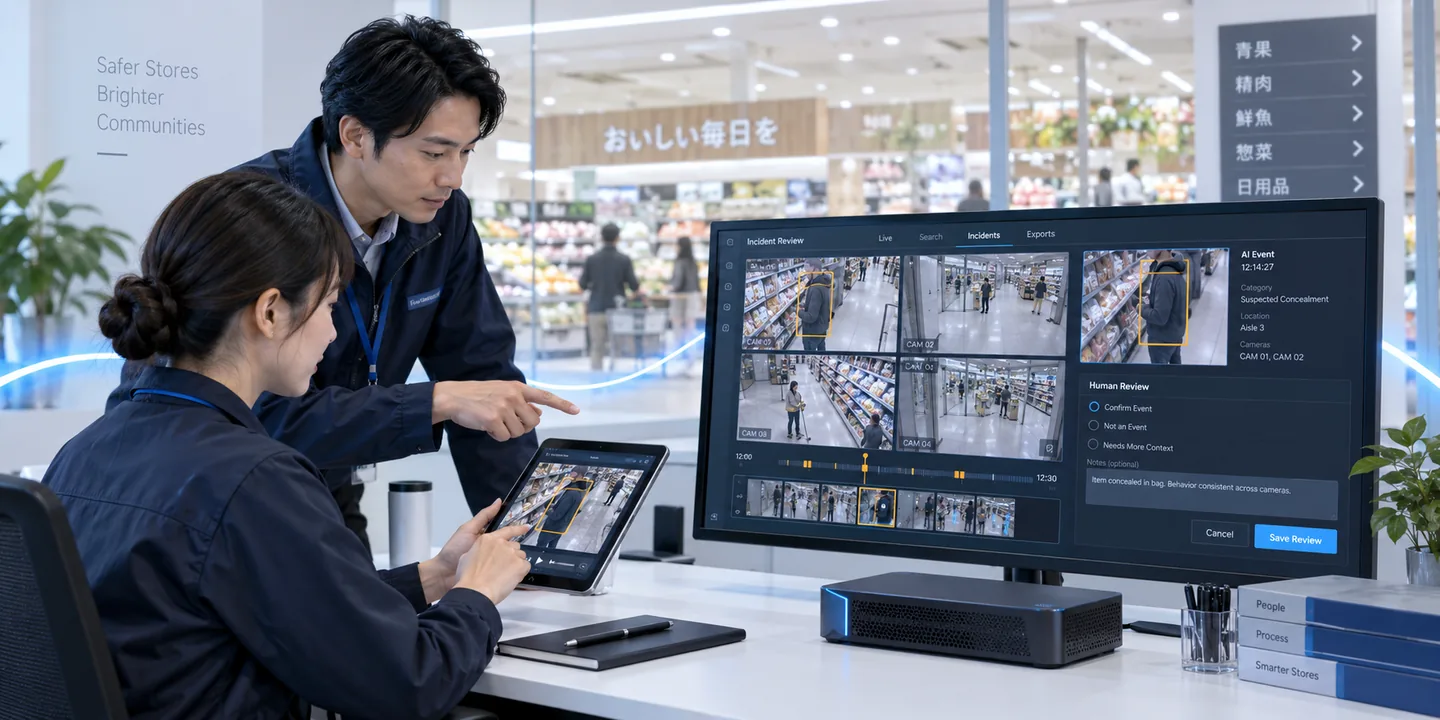
AI finds. People decide.
A clear path from video to response.
- Analyse
AI watches the camera streams you configure for relevant motion and contextual patterns.
- Prioritise
Your rules combine event type, zone, time and model confidence into a review priority.
- Notify
A short clip goes to the dashboard, a mobile device or an integrated VMS.
- Review and learn
Authorised staff classify the event. What they decide feeds back into store-specific tuning.
One view for every store
Review events, not endless video.
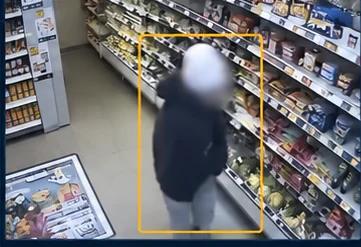
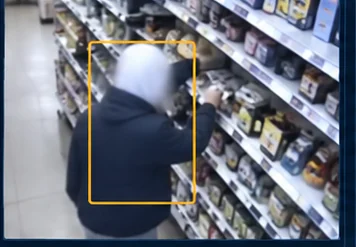
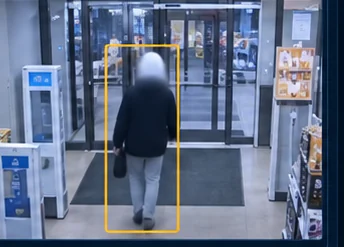
The case view a reviewer works in: the cameras that saw the event, a timeline around it, and a decision that belongs to a person.
- Camera 01 — Aisle overview
- Camera 02 — Shelf interaction
- Camera 03 — Exit zone
- Not an event
- Needs more context
- Confirmed by reviewer
- Authorised access
- Retention
- Audit history
A separate module, scoped with its own legal basis, purpose, access rules, retention settings and accuracy evaluation. Nothing on this page requires it.
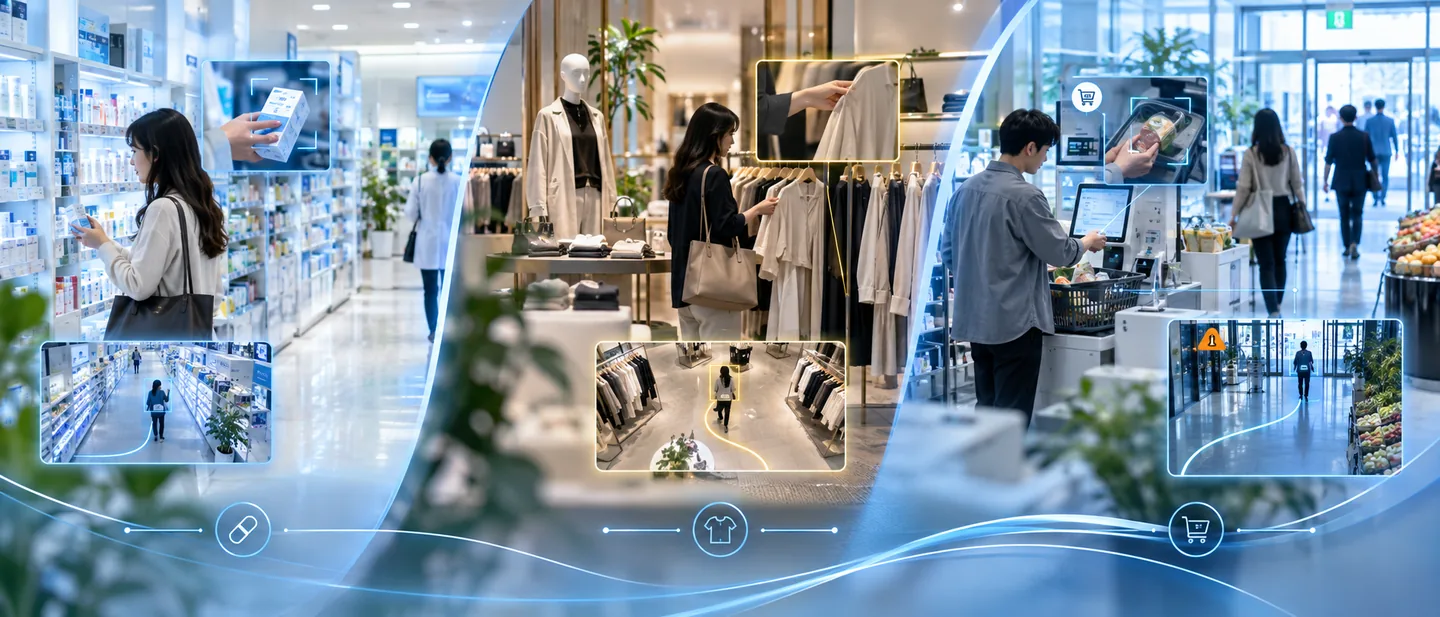
Built for different retail risks
One platform. Store-specific intelligence.
Prioritise small, high-value products and concealment-like behaviour in exposed aisles.
Watch fitting-room approaches, tag interference and bulk handling on the shop floor.
Pair basket behaviour with self-checkout signals and the exit zone for a fuller picture.
Deploy your way
Fits the infrastructure you already trust.
Start with selected high-risk cameras, validate the outcome, then expand by store or region.
In-store edge
Process streams locally on Ayonix ATLAS BOX for low latency and controlled data residency.
Private cloud
Centralise multi-store event management in a cloud environment you have approved.
VMS and API integration
Connect RTSP/ONVIF cameras and route alerts into a compatible VMS, a mobile device or your incident workflow.
What Ayonix produces is a potential event for review, never a verdict. Role-based access, configurable retention, audit logs and a human decision are how that stays true in a live store.
Start with a controlled pilot
Bring intelligence to the cameras you already own.
Tell us your store type, your camera count and your highest-risk areas, and we will propose a practical pilot scope and deployment architecture.
- Camera and scene suitability review
- Event rules and the human-review workflow
- Success criteria and a scale-up plan
What is AI shoplifting detection?
Software that watches existing store camera streams for patterns associated with theft — concealment-like motion, unusual product handling, movement between a shelf and an exit zone — and raises a short clip for a person to review. It reports a potential event. It does not decide what happened, and it does not determine intent or guilt.
Does Ayonix require new cameras?
Often no. A pilot starts with a camera and scene assessment: angle, the size of a person in frame, lighting, motion and compression all decide whether a given stream is usable. Compatible RTSP/ONVIF streams can normally be evaluated before any hardware decision is made.
Does the system automatically accuse or stop a shopper?
No. It surfaces potential events for authorised staff to review, and it has no power to act on its own. What happens next is governed by your store policy, the law where the store operates, and the judgement of a trained person.
Can it work without face recognition?
Yes. Behaviour and zone-event detection operate without identifying anyone, and that is the default. Repeat-entry identification is a separate module that has to be scoped, legally reviewed and explicitly switched on, with its own purpose, access rules and retention settings.
What retail environments are supported?
Supermarkets, pharmacies, convenience stores, fashion and specialty retail. What differs between them is the event rules rather than the system: which aisles, which product categories, which zones and which times of day are worth prioritising is settled during the pilot.
Can it run on-premise or at the edge?
Yes. Processing can run in-store on Ayonix ATLAS BOX, on your own servers, or in a cloud environment you have approved. Which one fits depends on latency, camera count, network conditions and where your data-governance policy allows the video to go.
How should we evaluate a pilot?
Agree the representative cameras, the event definitions, the review time, the precision targets and the operational response before launch — then measure by store, camera, zone, lighting condition and event type. A single unqualified accuracy number cannot describe this, and Ayonix does not publish one.