
ATLAS BOX · ON-SITE EDGE AI
Your AI.At your site.Under your control.
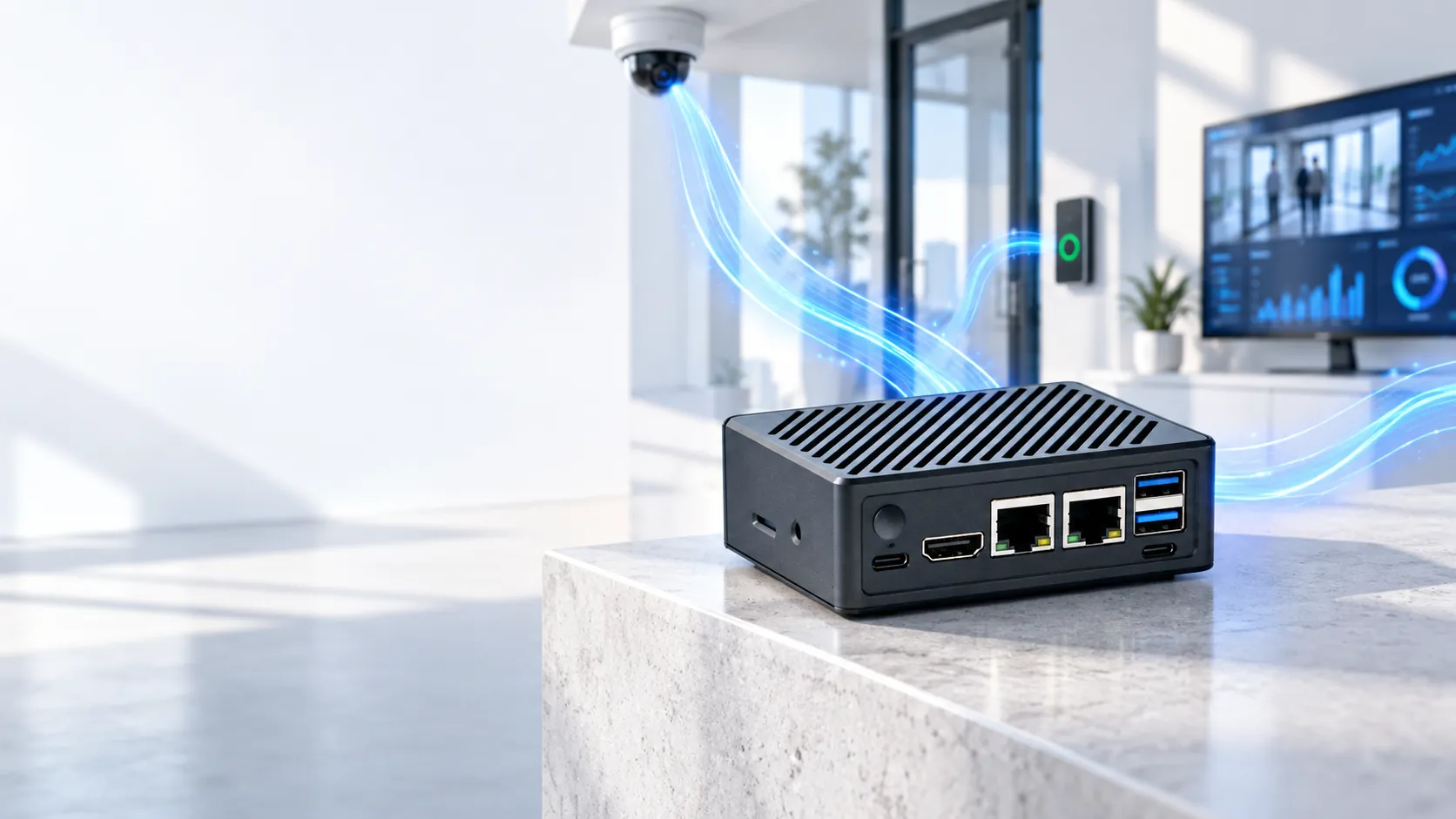
Turn the cameras and information you already have into fast, private decisions — without depending on the cloud.
- PrivateYour data stays on site
- FastDecisions happen locally
- ResilientWorks through internet outages
- Face recognition
- Video analytics
- Private AI assistant
- Local recording
ONE BOX · THREE BUSINESS OUTCOMES
Start with the problem you need to solve.
ATLAS BOX arrives configured for your use case. Your team gets a working outcome — not a box of components to assemble.
Know who is there
Recognise an authorised person, verify an identity, or alert staff when someone on a watchlist appears.
- Secure entrances
- Visitor verification
- Local watchlists
Understand what is happening
Turn the camera video you already record into counts, events and alerts your team can act on.
- People and vehicle counting
- Restricted-zone alerts
- Safety and flow insight
Ask your business privately
Put an AI assistant on your internal documents while the documents, the questions and the answers stay inside your network.
- Private document answers
- Reports and summaries
- Human-approved actions
HOW IT WORKS
A clear path from camera to action.
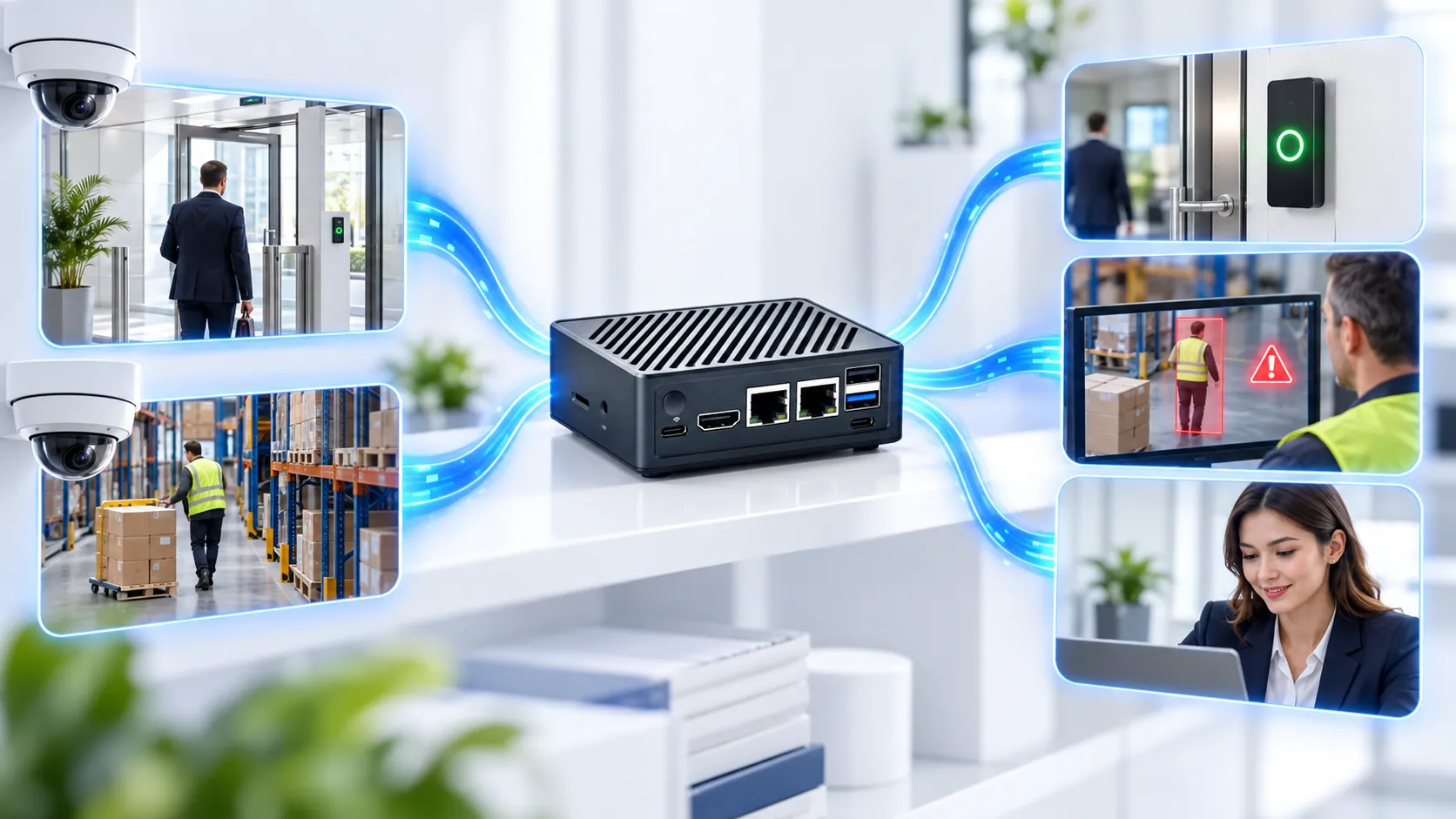
Your existing systems send information to ATLAS BOX. The AI runs on site. Only the useful result goes to your team or to a connected system.
Connect
Use compatible cameras, documents and business systems you already own.
Understand locally
ATLAS BOX analyses the information inside your site or private network.
Take action
Unlock a door, raise an alert, answer a question or store the evidence.
In plain terms: raw video and private documents do not have to leave your building for the AI to be useful.
BUILT FOR REAL OPERATIONS
See the result. Keep control.
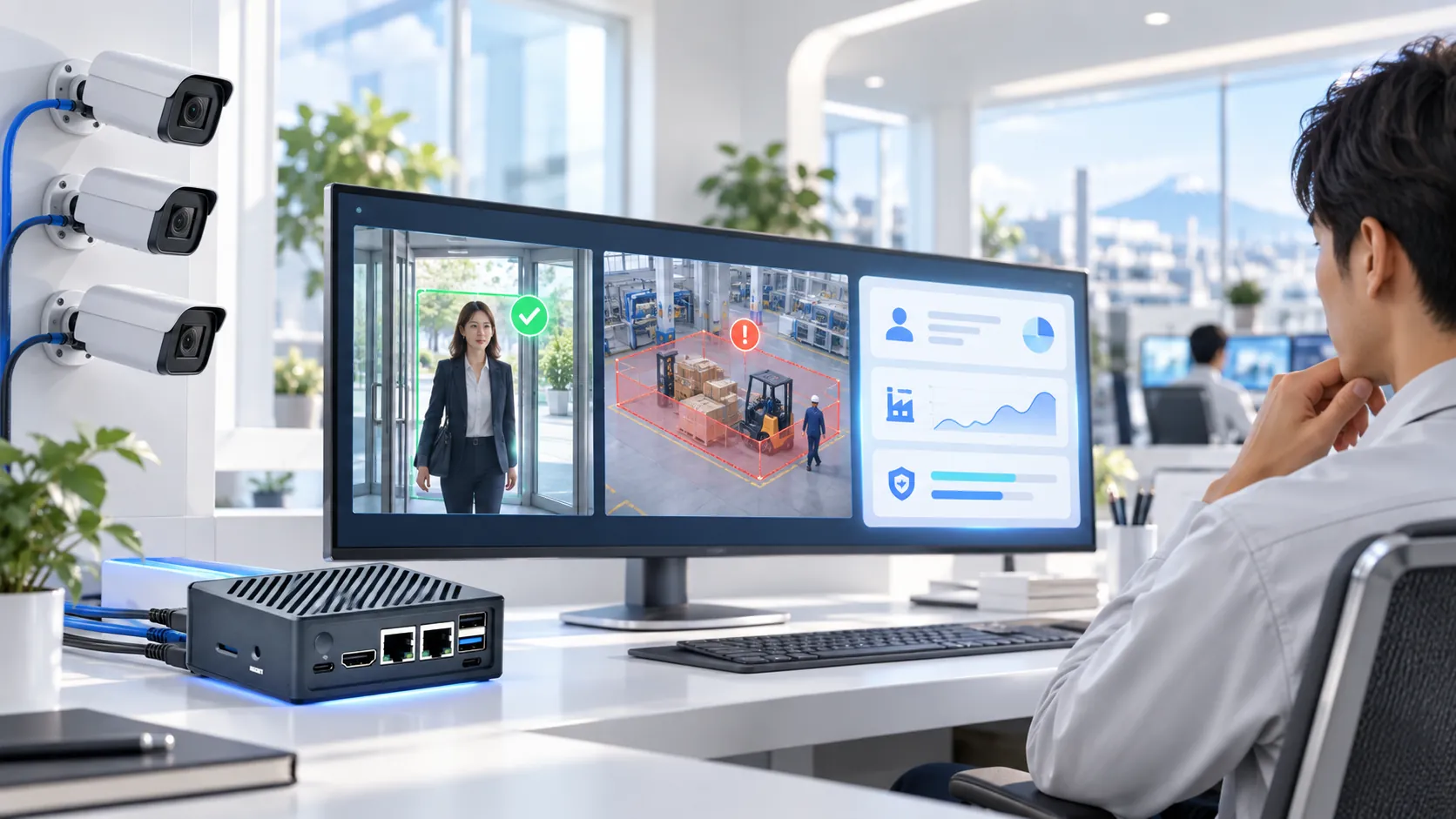
ATLAS BOX sits between the systems you already use. Operators see clear events, and important decisions can wait for a person.
- Use existing camerasCompatible ONVIF and RTSP streams can feed the system.
- Connect business systemsSend approved events to a VMS, access control, an API or a webhook.
- Keep people responsibleRequire human review and approval for important matches and actions.
Compatibility is confirmed for your exact cameras, VMS, access system and software versions before you order. Ayonix validates the plugin, the version, the licence and the event functions for each deployment rather than assuming them from a product name.
WHY ATLAS BOX
Cloud AI benefits — without cloud dependency.
Your data stays close
Video, face templates and private documents can remain inside the environment you control.
Your response stays fast
Processing on site removes the wait for a round trip to a distant data centre.
Your operation keeps running
Core workloads continue when the internet is slow, unavailable, or deliberately disconnected.
One accountable supplier
Ayonix supplies the appliance, the AI workload, the integration design and the deployment support.
FROM IDEA TO LIVE SITE
Start small. Prove it. Expand with confidence.
One location and one measurable outcome first. Once it works in your real environment, the same design repeats across sites.
Tell us the outcome
Choose the entrance, camera group, document set or task you want to improve.
We design the fit
Ayonix checks cameras, network, storage, privacy and the action required.
Run a real-site pilot
Measure quality, speed and operator experience against criteria agreed in advance.
Roll out the blueprint
Use the validated configuration as a repeatable standard for more locations.
Good fit for Factories · Offices · Retail · Transport · Remote sites · Regulated environments
CONFIGURATIONS
A practical starting point for every site.
Capacity depends on the AI workload, the number of camera streams and how much you record. Ayonix confirms the right fit before you order.
- FOCUSED START
ATLAS BOX Lite
From$1,499
For one focused workload, a smaller site, or a proof of value.
Check Lite fit - RECOMMENDED
ATLAS BOX Pro
From$2,999
For broader processing, more video activity, or larger local storage.
Design a Pro system - MULTI-SITE
Enterprise
QuotedTo requirement
For repeatable deployments, integrations, governance and coordinated support.
Plan an enterprise rollout
Starting prices are the published Ayonix configuration prices. Software, storage, integration, services and taxes affect the final quote, and Ayonix sizes the workload mix with you rather than assuming every workload runs at once.
PLAIN ANSWERS
Questions buyers ask first.
Still unsure whether ATLAS BOX fits your environment? A short discovery call can confirm the practical path.
Ask an expertWhat is ATLAS BOX?
A compact computer that runs Ayonix AI at your location. It handles AI agents for offline conversational AI and document retrieval, video analytics including face recognition, detection and tracking, and video management with recording and playback. A 6+ TOPS NPU handles inference, an ARM A76 CPU runs the applications, and 4TB of NVMe storage holds recorded video.
Does it work without the internet?
Yes. Core AI workloads run locally, including on closed and air-gapped networks. Any optional external integration is agreed during solution design rather than assumed.
How much does it cost?
Configurations differ by the workloads you need, the number of cameras and the storage. ATLAS BOX Lite starts at $1,499 and ATLAS BOX Pro at $2,999; multi-unit Enterprise deployments are quoted to your requirements. Talk to an expert and we will size it with you.
Can it use our existing cameras?
Often, yes. ATLAS BOX takes compatible ONVIF and RTSP camera streams, and connects onward through a VMS, an API or a webhook. Camera models, stream settings, VMS versions and licences are validated for your deployment before you order — compatibility is never assumed from a product name.
Does face recognition decide things on its own?
It can raise a match event, and the workflow can require an operator to review or approve before anything consequential happens. Where that approval sits is designed around your risk and policy requirements.
How quickly can we test it?
Start with one use case at one location. After a short environment review, Ayonix defines the pilot configuration, the success criteria and the rollout path.
SEE IT WITH YOUR OWN CAMERAS AND WORKFLOW
Turn one real business problem into a working on-site AI pilot.
Tell us the site, the camera count and the outcome you want. We will recommend the simplest configuration worth testing.
- No-obligation discovery
- Compatibility review
- Pilot acceptance plan